Marriage biodata format in Word
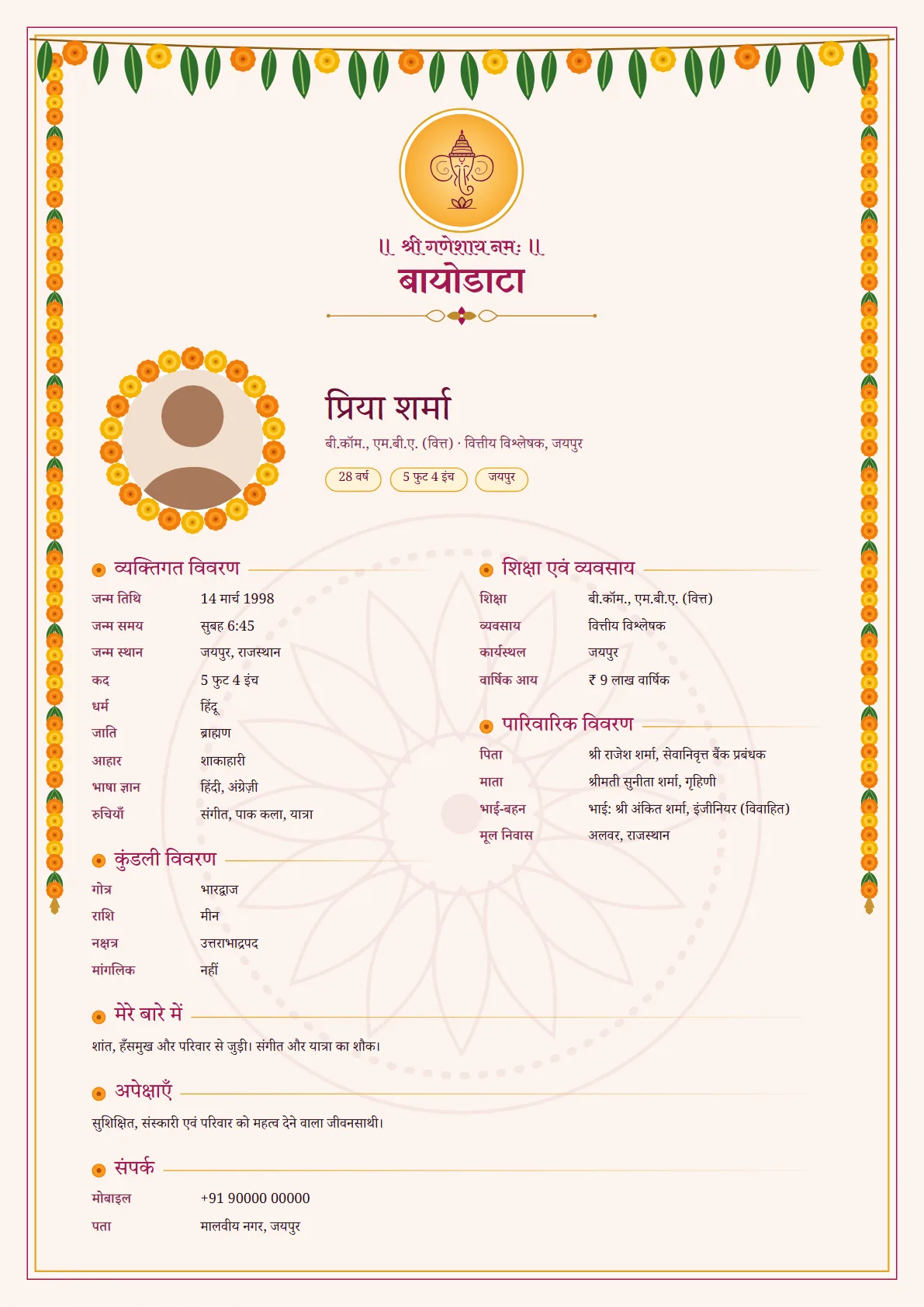
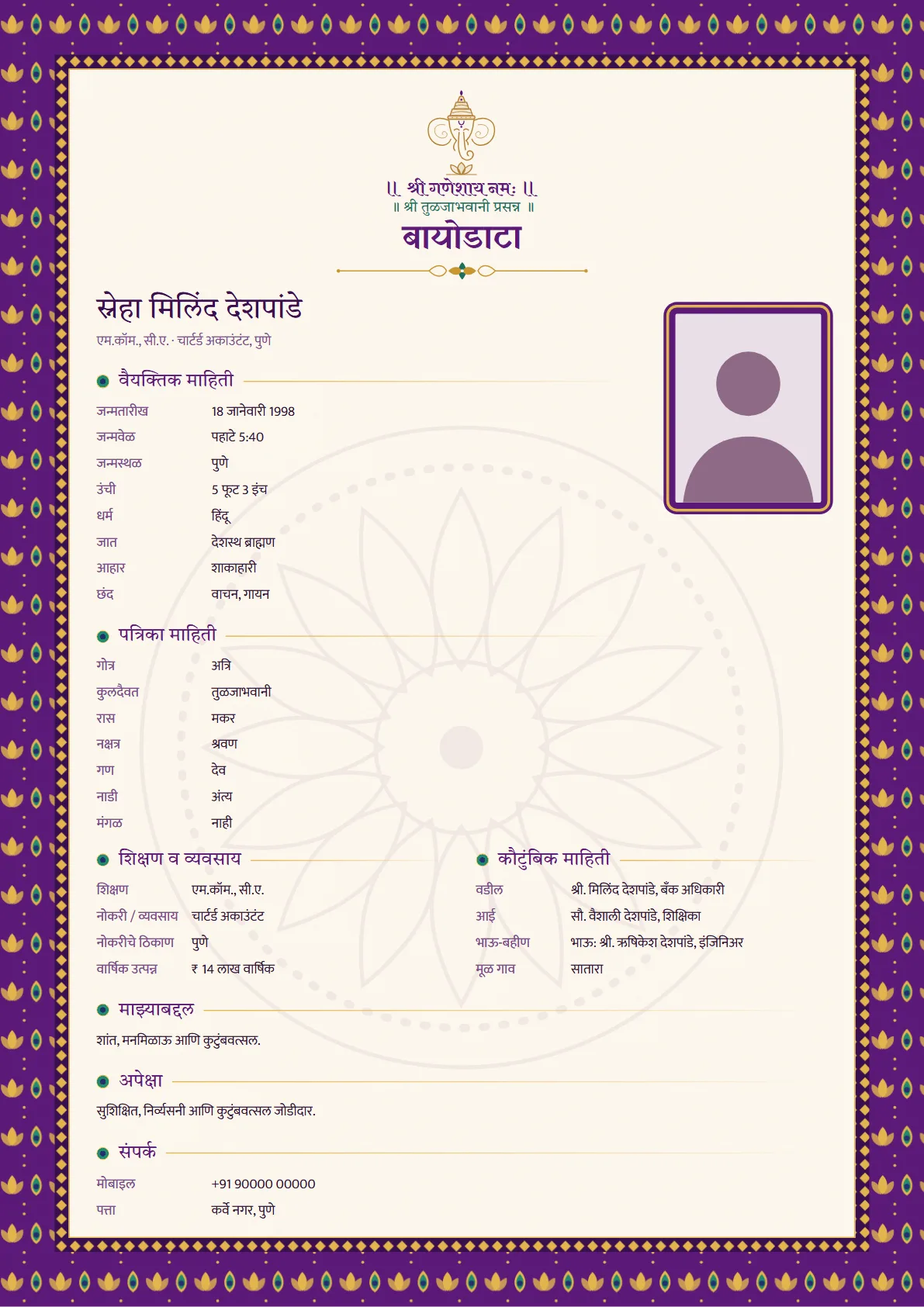
Free biodata formats as Word files (.docx), ready to fill in. Each is one A4 page with the usual sections (personal, horoscope, education and work, family, about you and contact) and a box for your photo. They open in Microsoft Word, Google Docs and WPS Office, on a phone or a computer.
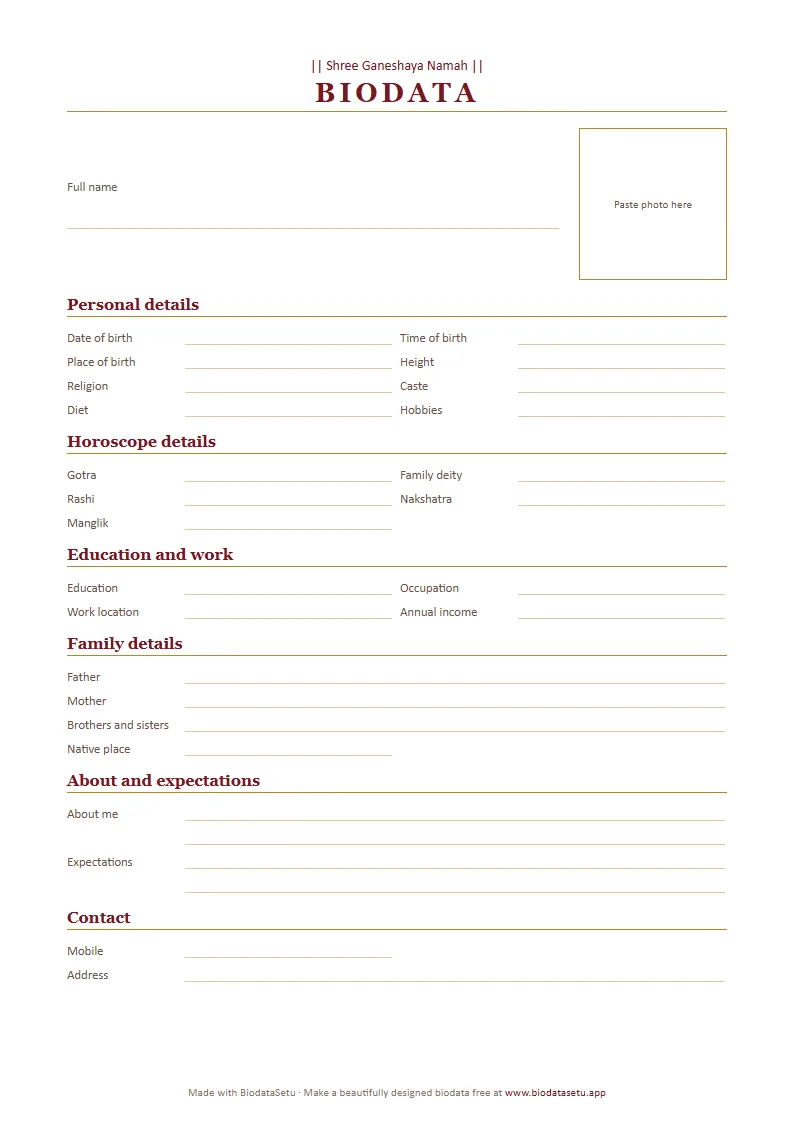
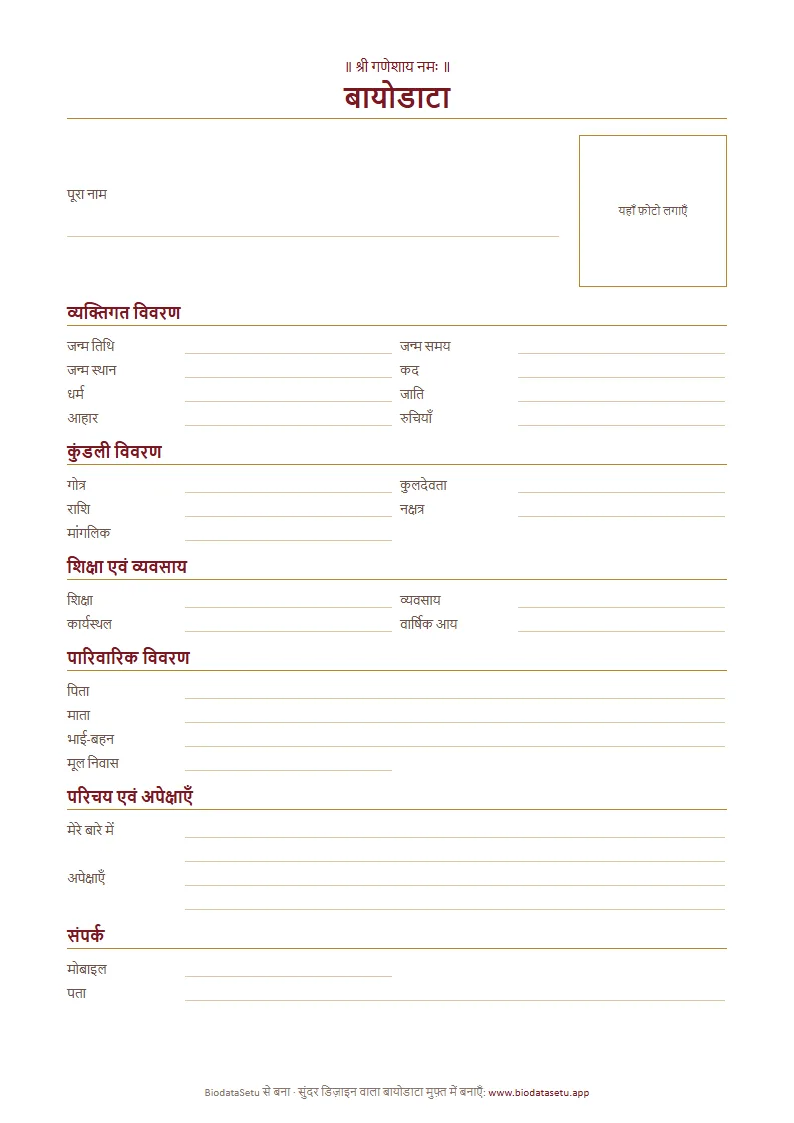
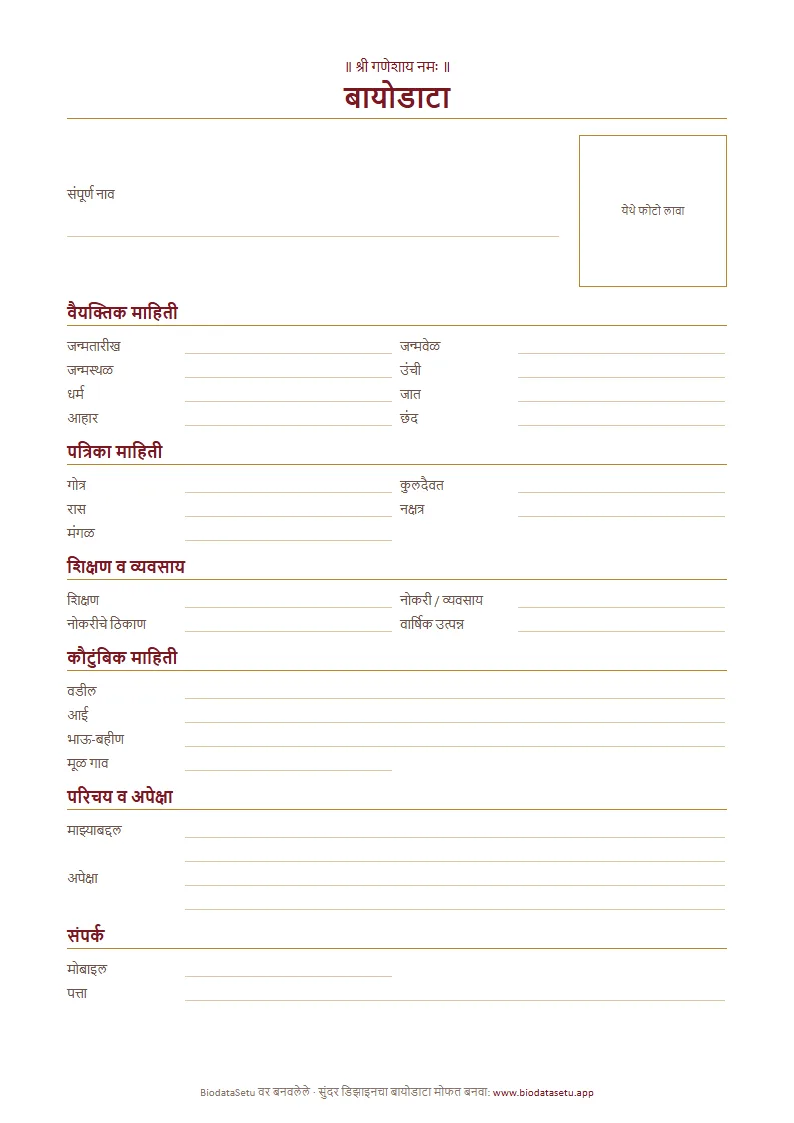
How to fill it in
- Download the Word file in your language.
- Open it in Microsoft Word, Google Docs or WPS Office. Google Docs and WPS Office are free on Android phones and iPhones.
- Tap a line and type. Leave out anything that does not apply to your family.
- For the photo, tap the photo box, delete the words in it, and insert your photo (Insert → Picture; in Google Docs, Insert → Image).
- Save it as a PDF to send on WhatsApp, or print it on A4 paper.
Not sure what to write? Read what to write in a marriage biodata, or the Hindi and Marathi guides.
Want a designed biodata instead?
Fill your details once on your phone and see them in 9 Indian designs, with your photo, in English, Hindi, Marathi, Bengali, Tamil or Telugu. 3 designs are free; ₹49 unlocks all of them for your biodata.
Make your biodata free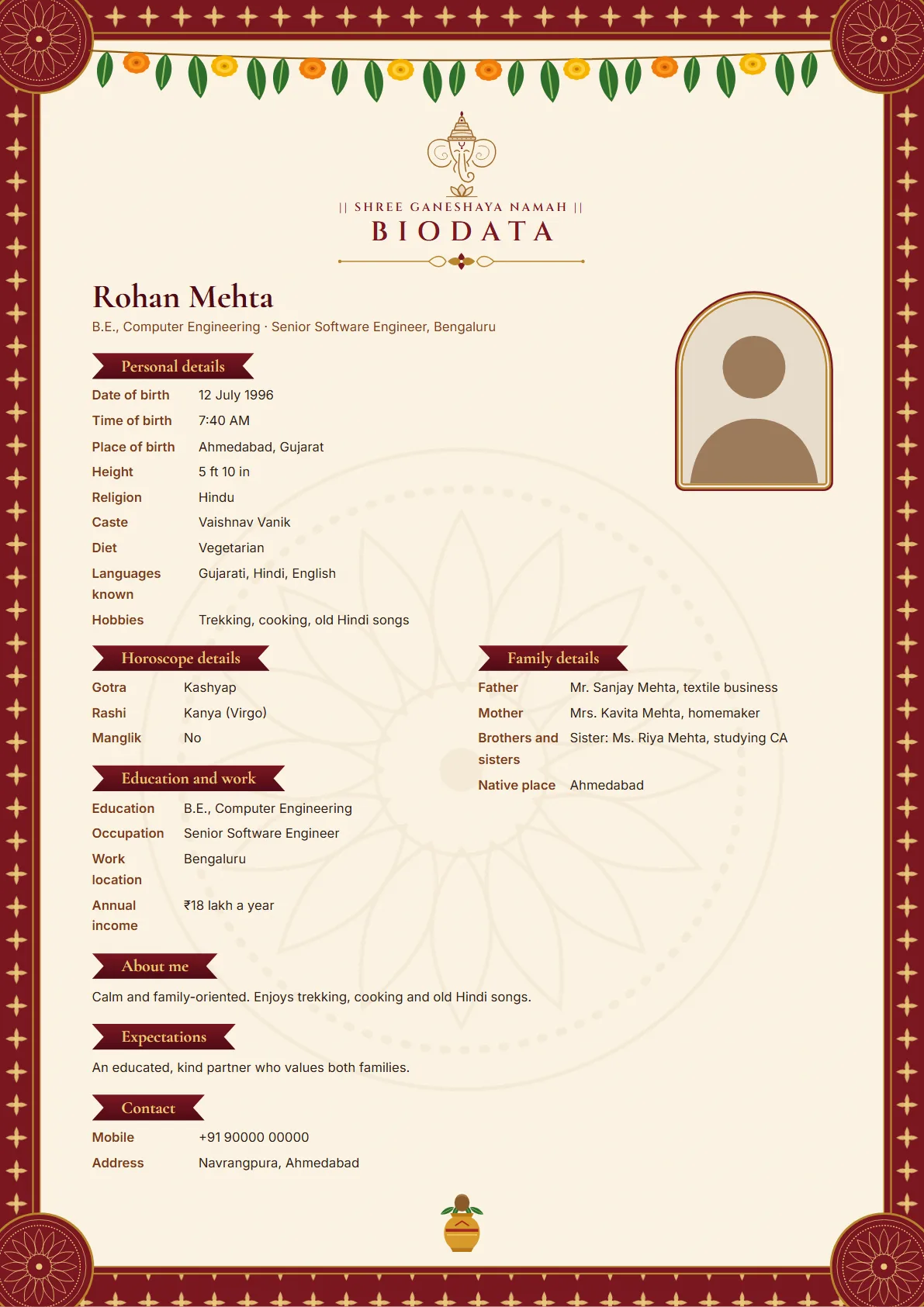
Questions
- Is it really free?
- Yes. There is no sign-up and no payment. The page has a small BiodataSetu line in its footer.
- Can I fill it in on my phone?
- Yes. Open the file in the Word app, Google Docs or WPS Office and tap a line to type. The fields sit in tables, so the layout stays in place as you type.
- How do I send it on WhatsApp?
- Save it as a PDF first, so it looks the same on every phone. In Word, use File → Save As and choose PDF. In Google Docs, use File → Download → PDF document.
- Can I change the top line or the headings?
- Yes, everything in the file can be edited. Replace ॥ श्री गणेशाय नमः ॥ with your family's line or delete it, and rename or remove any row.
- Is there a Word format in Bengali, Tamil or Telugu?
- Not yet. The online biodata maker and the blank formats to print come in all six languages.