Make a marriage biodata on your phone
You can prepare a marriage biodata in your phone's browser, check how it looks, and save a PDF or image to share with family. Take a moment to review every detail before sending it.
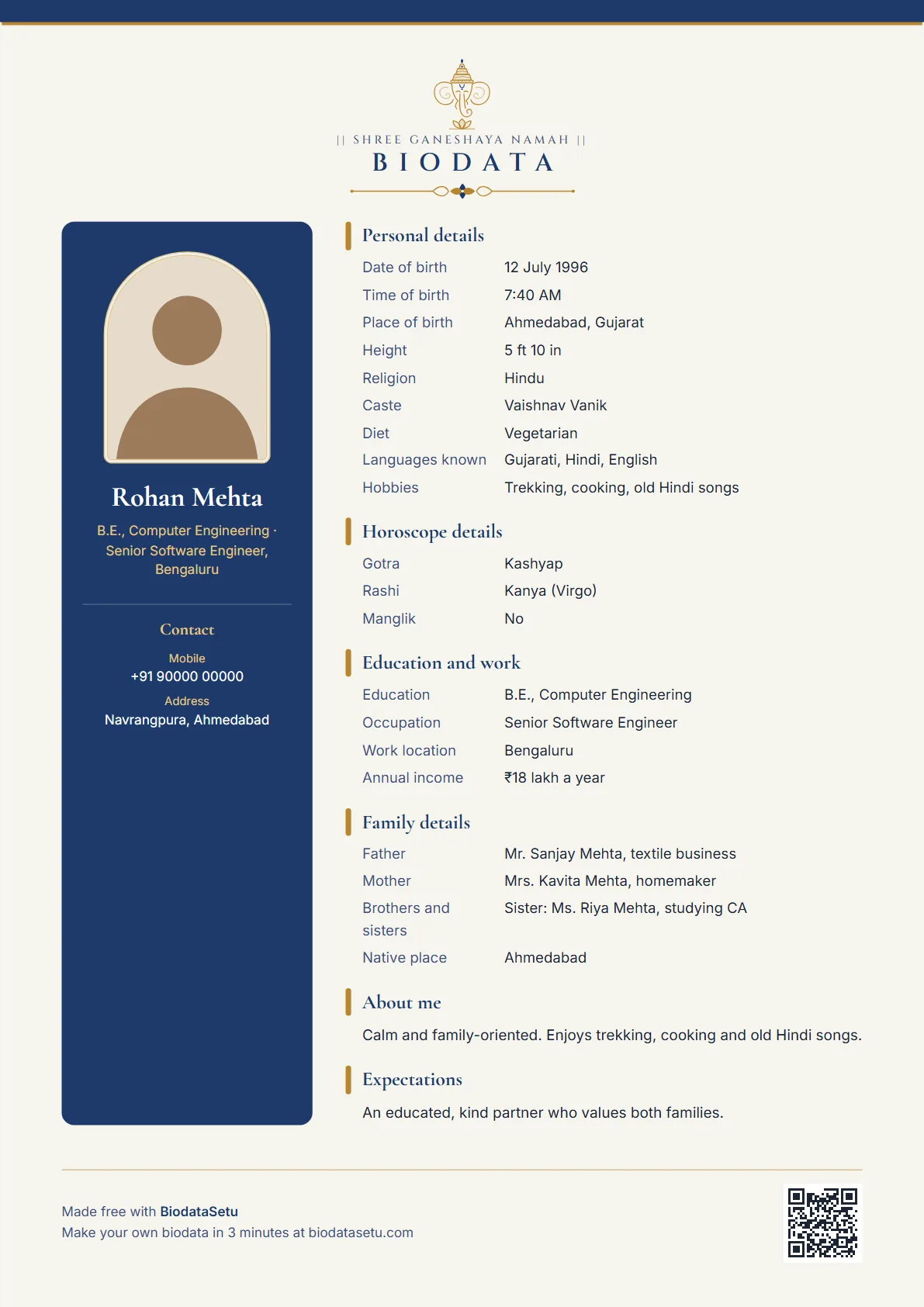
Rekha, a clean English layout. Sample details are made up.
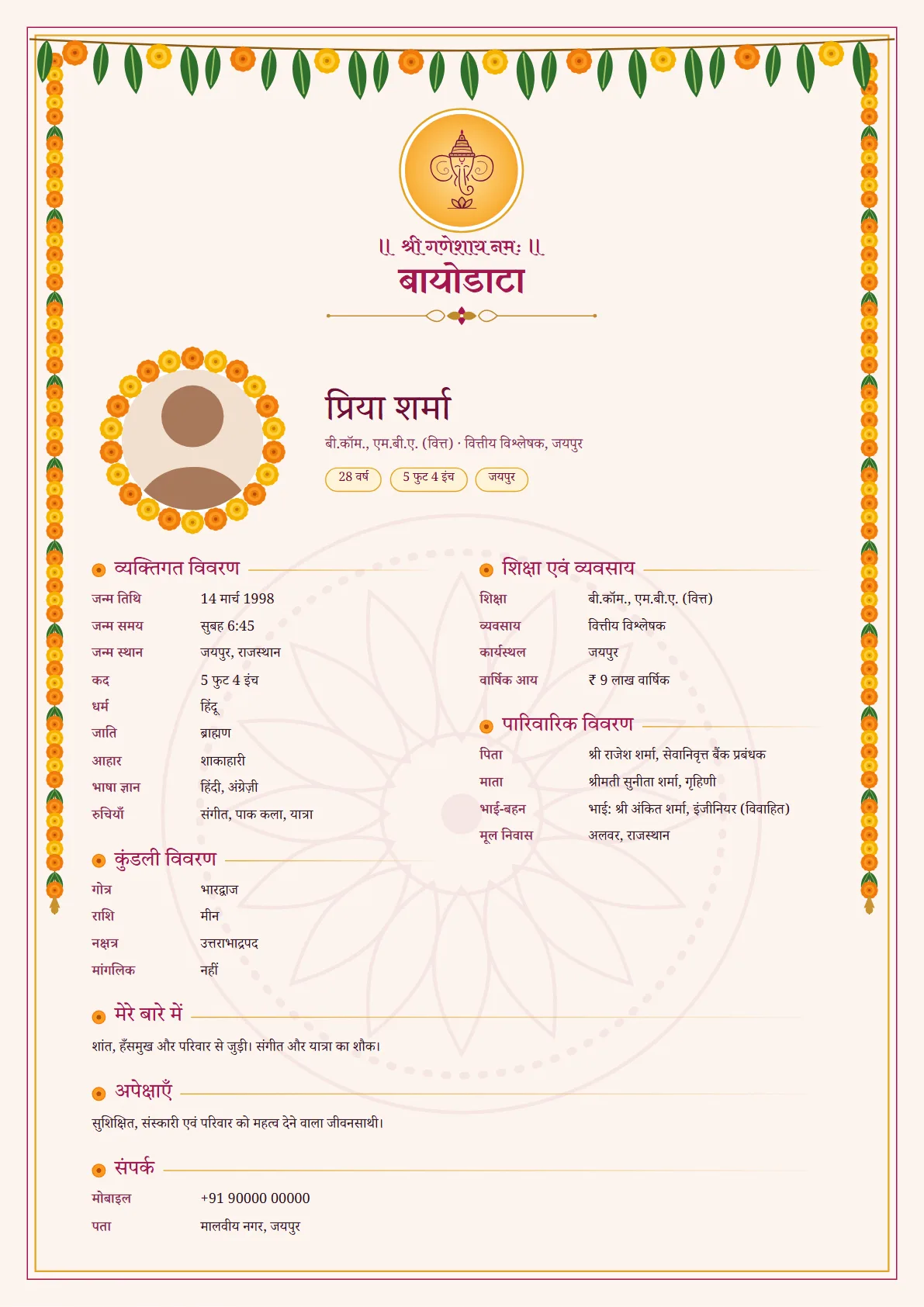
Genda, in Hindi. Sample details are made up.
From a blank form to a shareable file
1. Open the maker
Use the BiodataSetu maker in your browser and choose Bride or Groom. You can enter details in English, Hindi or Marathi.
2. Fill in the essentials
Add the details you want to share. Optional fields can stay blank, and you can add a few custom fields if needed.
3. Preview the designs
Check the name, photo, language, spelling and page fit. Choose a free design or unlock the premium designs for ₹99 once.
4. Download and review
Save a PDF for printing and an image for WhatsApp. Open both files once to make sure the text and photo look right.
5. Share thoughtfully
Send the file only to people you trust. Biodatas may be forwarded, so leave out private details you do not need to share.
Tips
- Use a current photo with good light and a simple background.
- Keep the form open while entering details; the draft is saved in that browser on your phone.
- If a download is blocked inside another app, open the page in Chrome or Safari and try again.
- The optional ₹249 profile is different: the details and photos you choose to publish are stored on the service for up to 12 months and can be removed sooner.
Making it on BiodataSetu
Start the maker, fill in the form, choose a design and use Download to save a PDF and image. Free and ₹99 biodata details remain in your browser; the separate photo profile is optional and requires a paid order.
Make your biodata free →